Hand over a file
Register a resume or career document once and reuse the facts for every next role.
Your career organizes itself — resumes, postings, cover letters, and applications, saved right on your own computer.
Connect it to a desktop AI agent that can work with local files and commands, such as Codex or Claude. CareerMate is a free MIT-licensed npm package and needs no separate API key.
No settings to memorize — just keep working on your career the way you'd chat.
Register a resume or career document once and reuse the facts for every next role.
Drop a job link or text and compare the role with your evidence, strengths, and gaps.
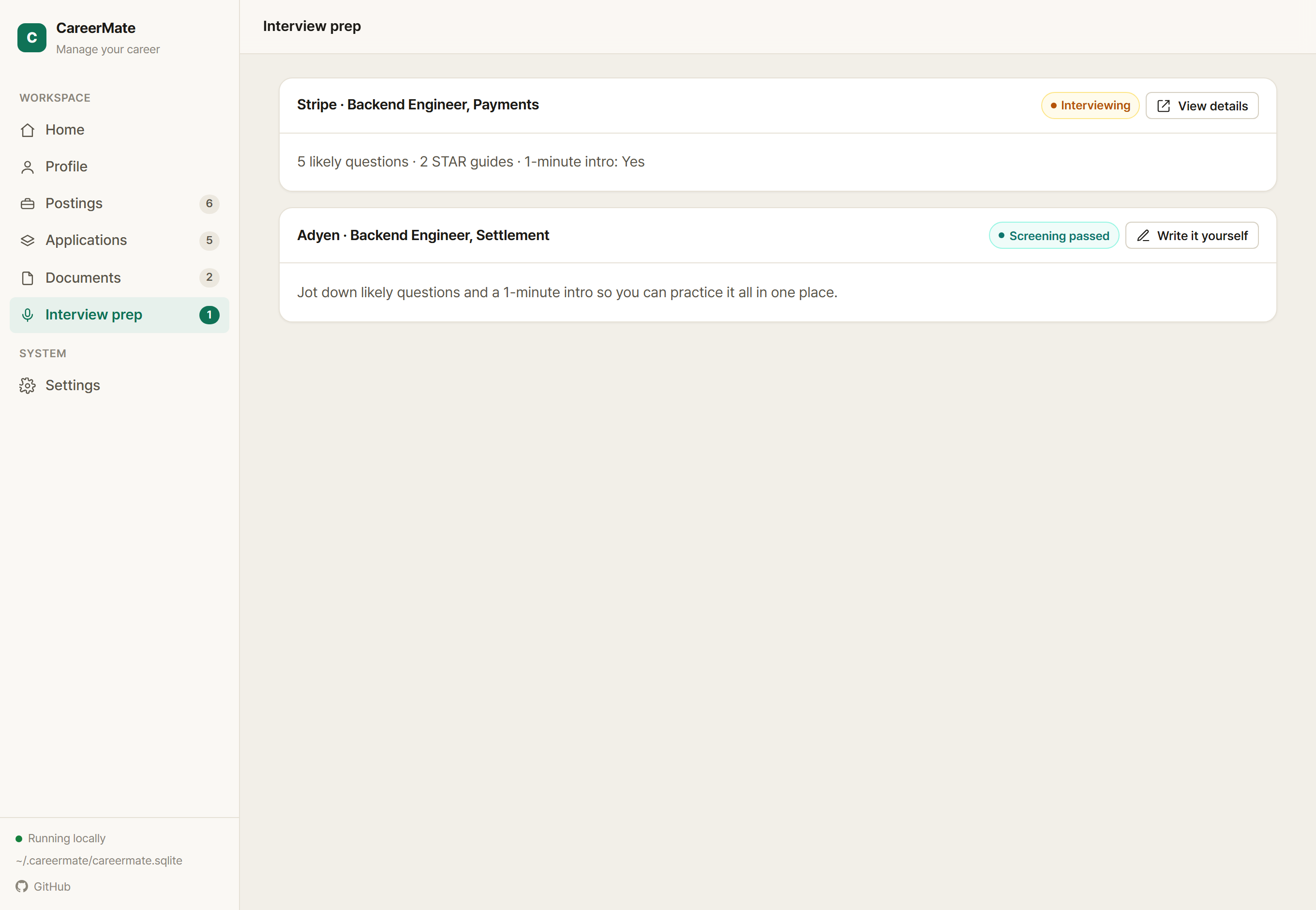
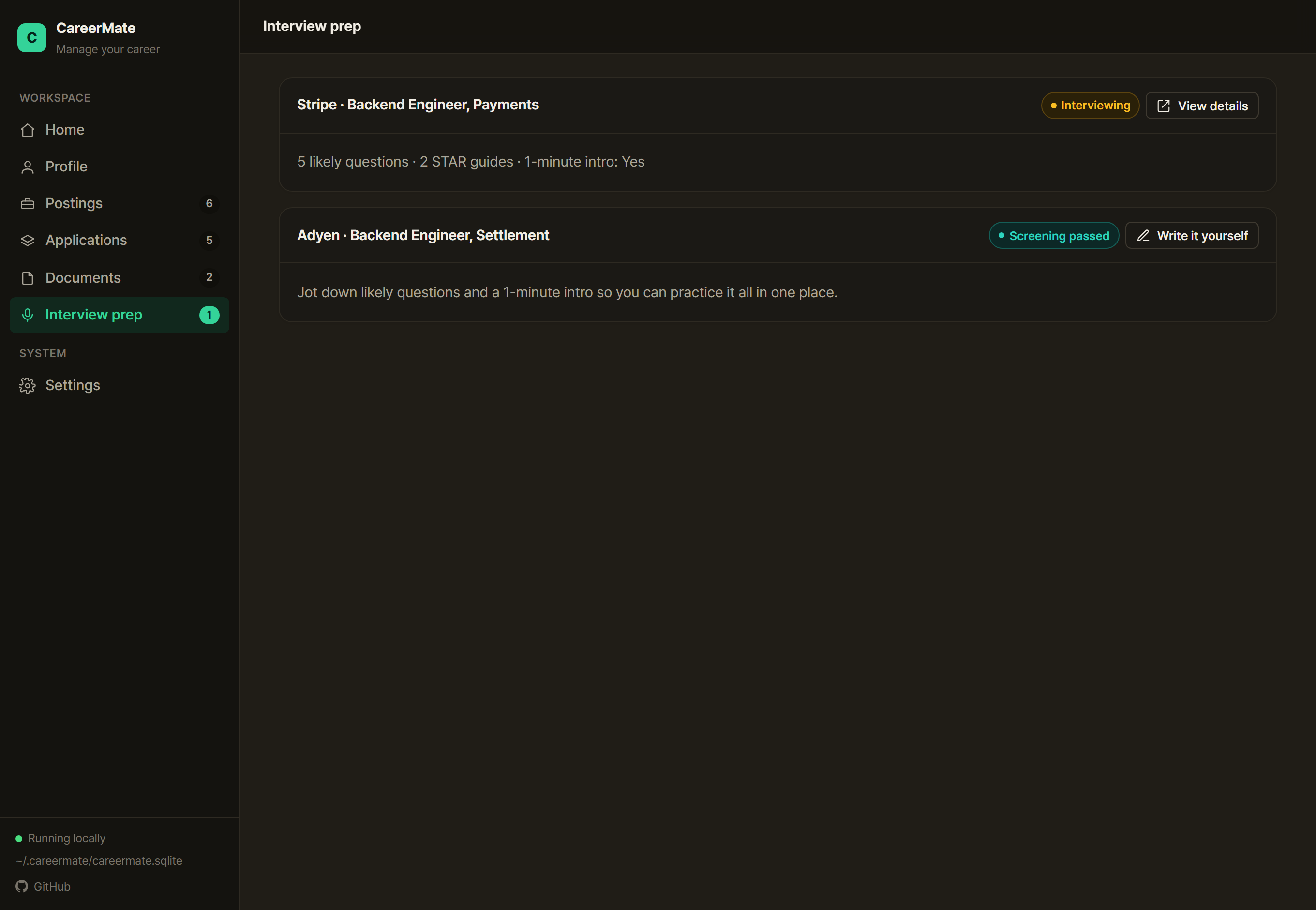
Keep role-specific drafts, application status, and interview questions in one dashboard.
Organize your background once; it carries into every next posting and cover letter.
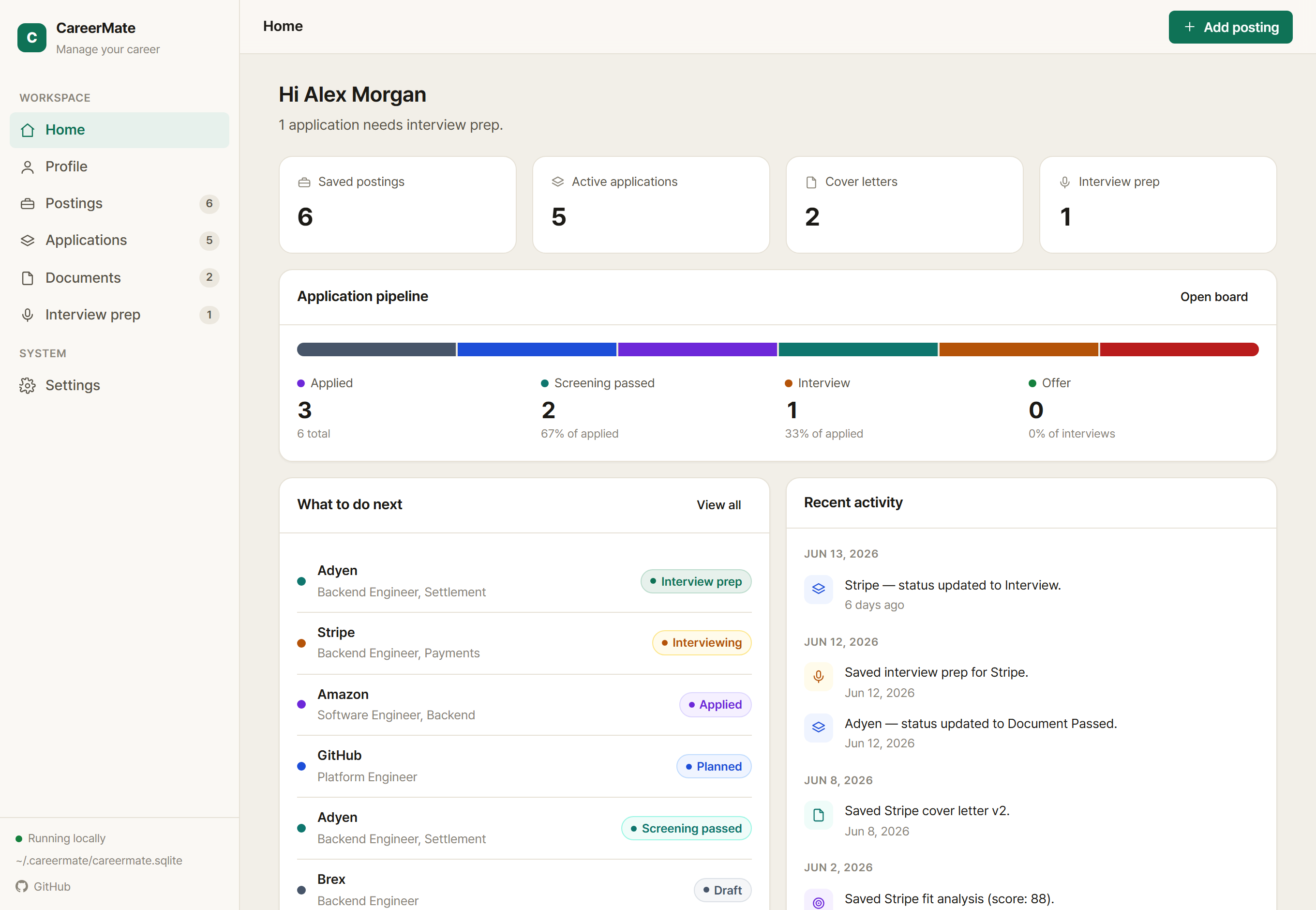
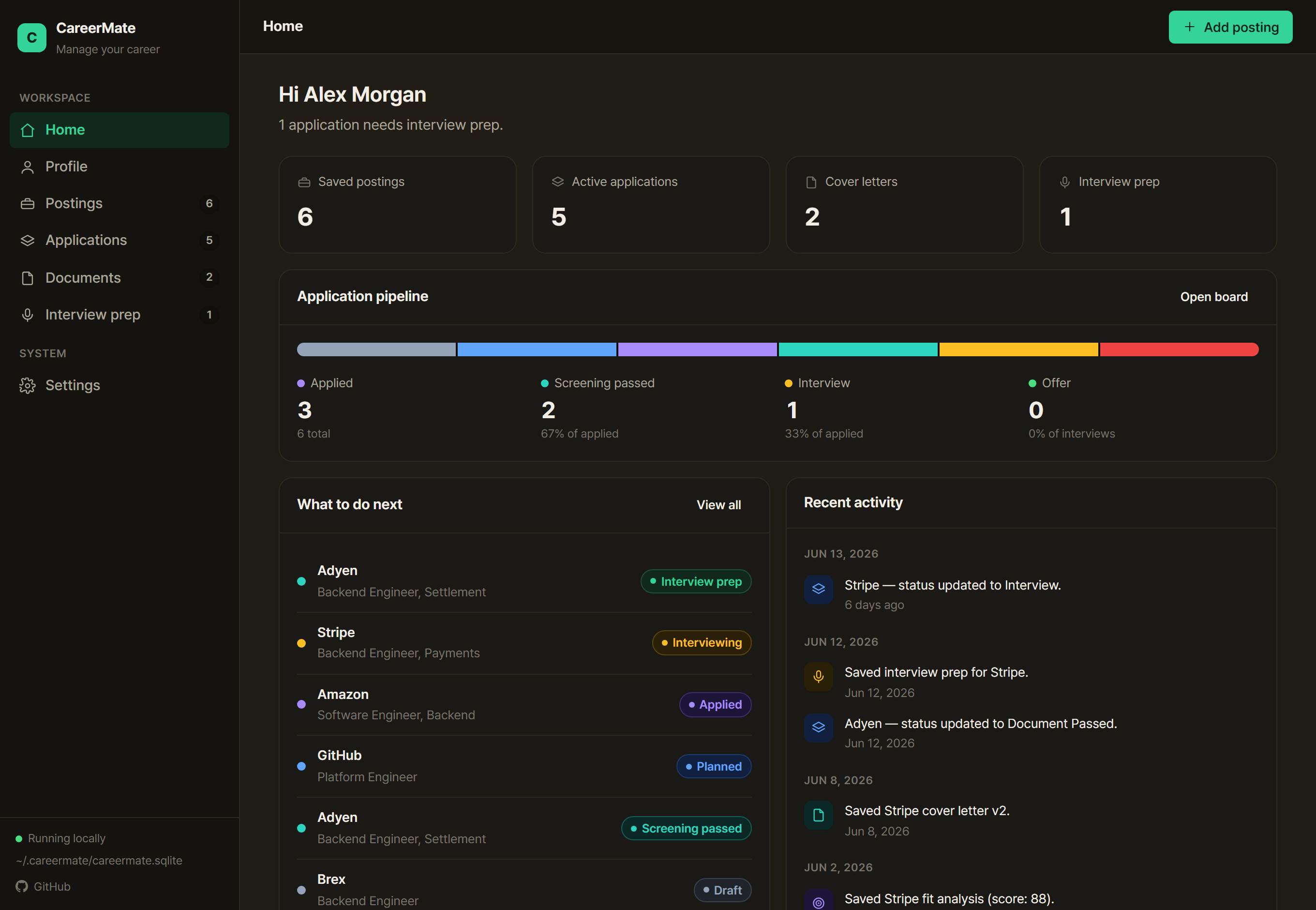
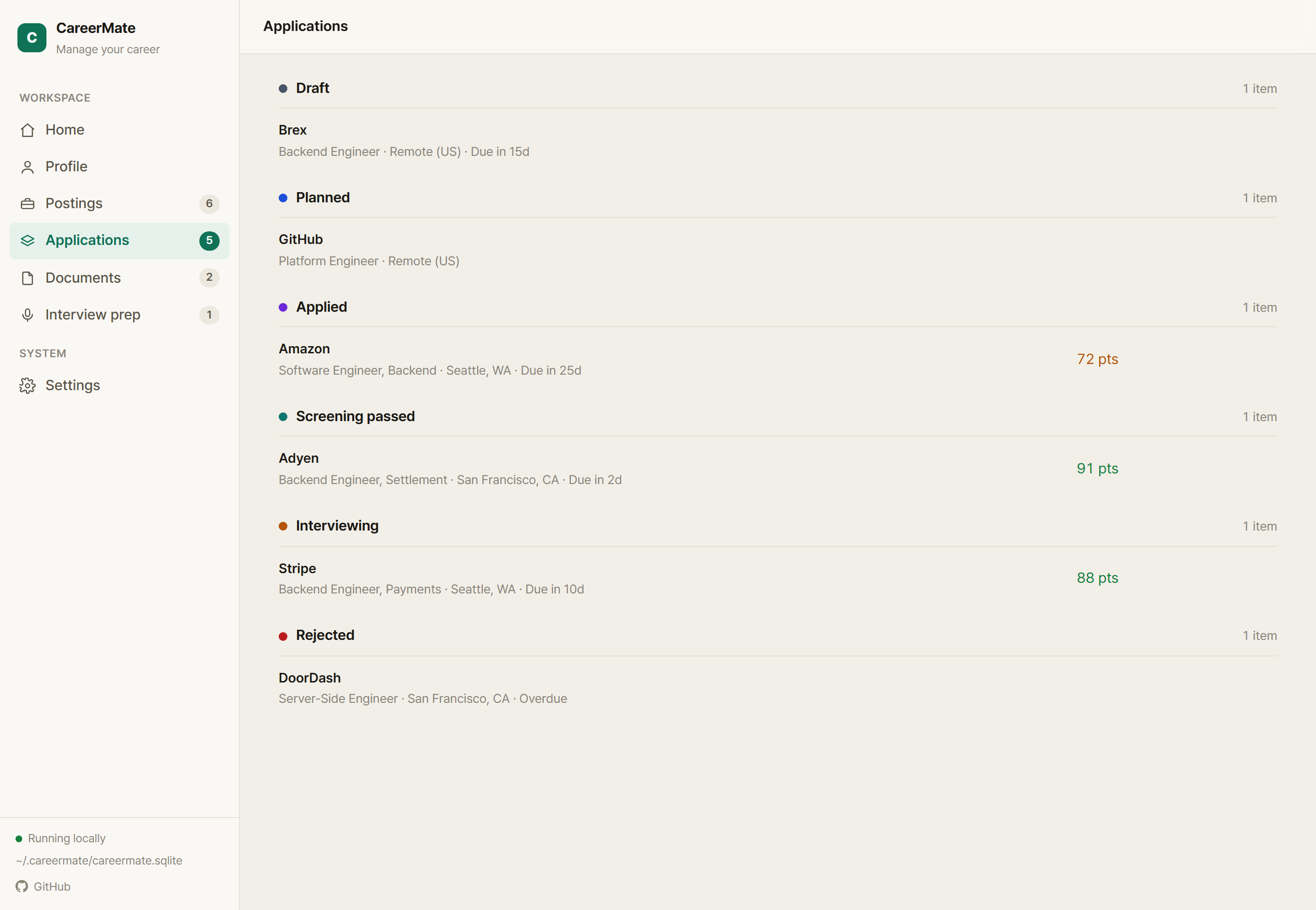
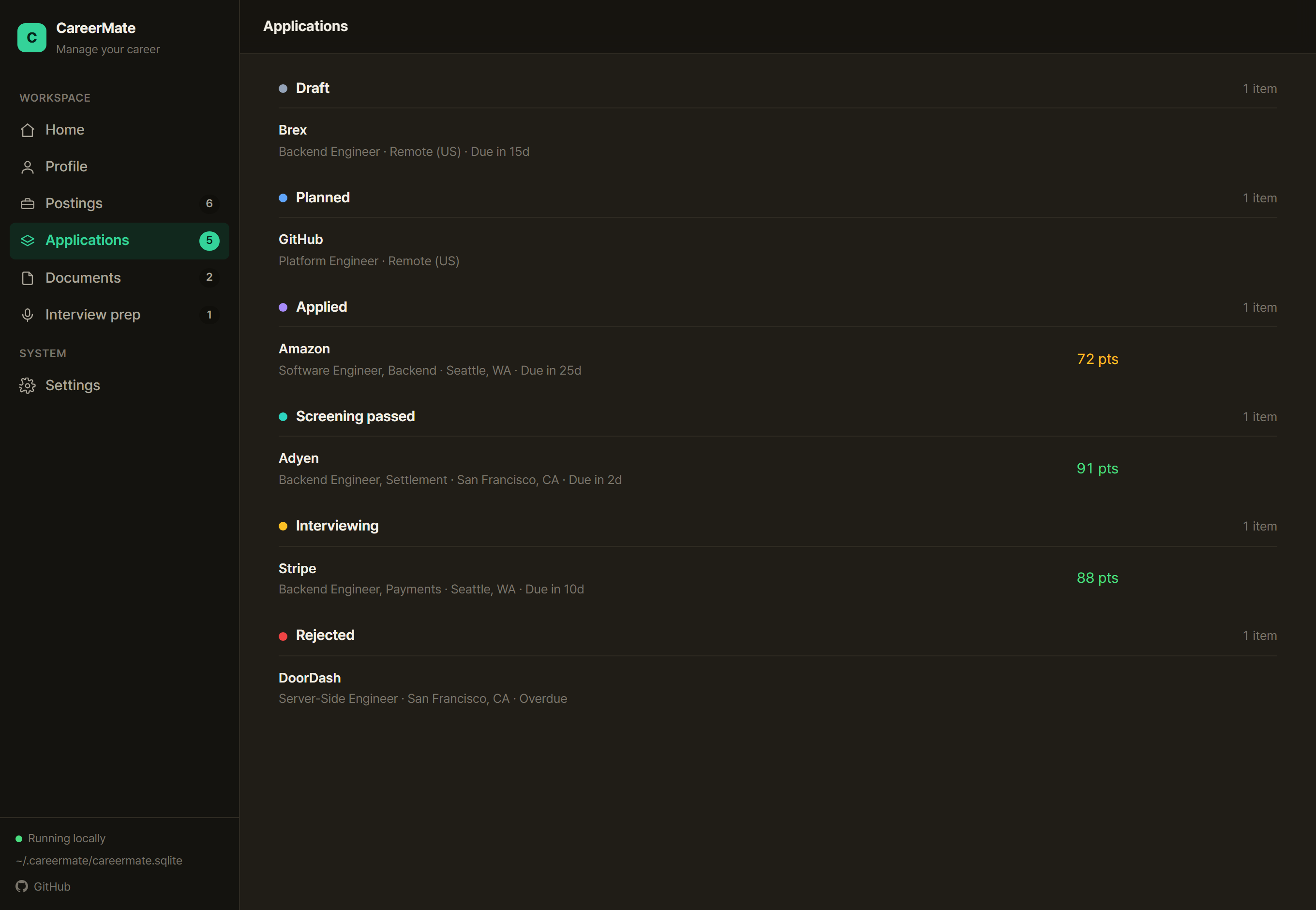
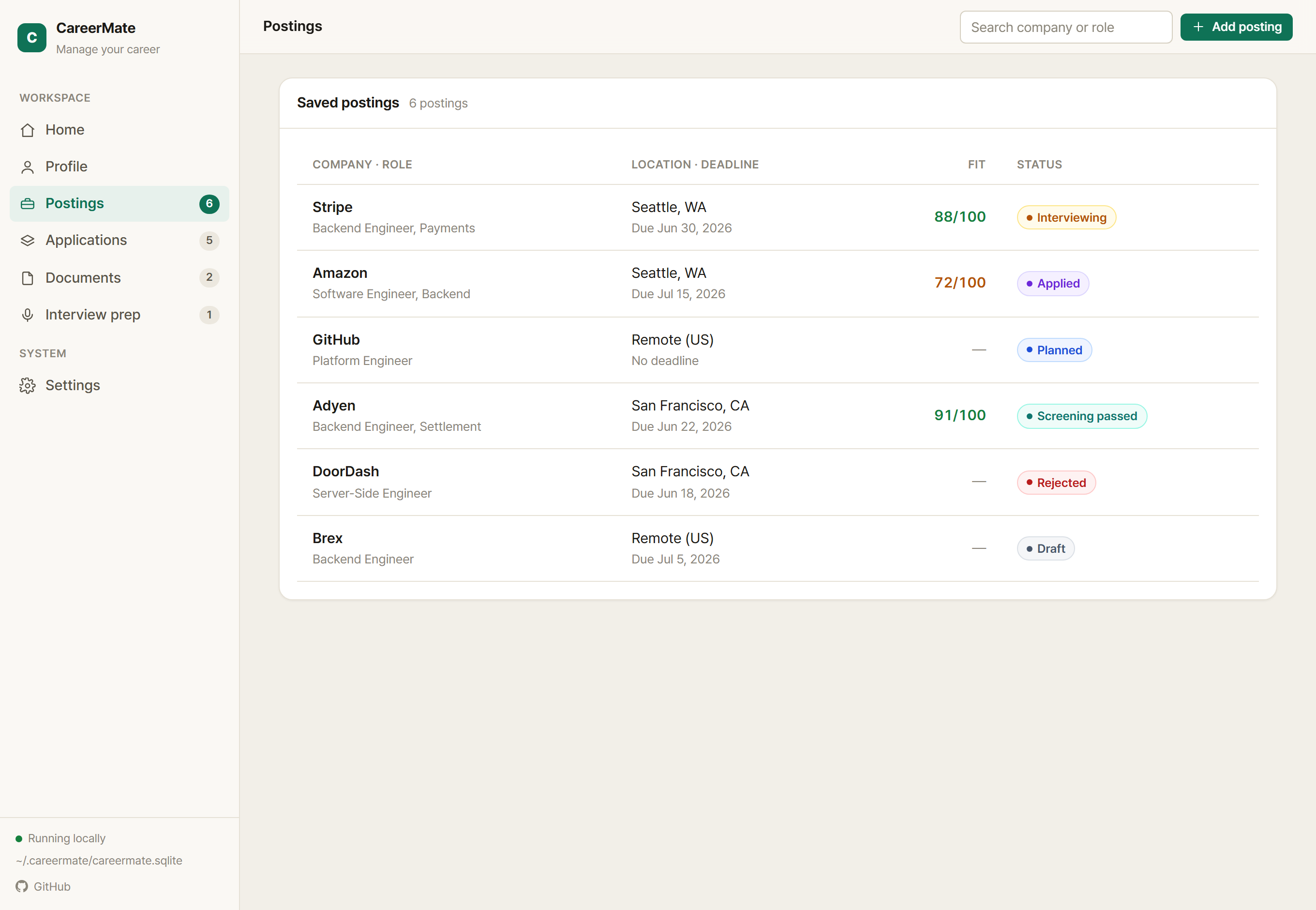
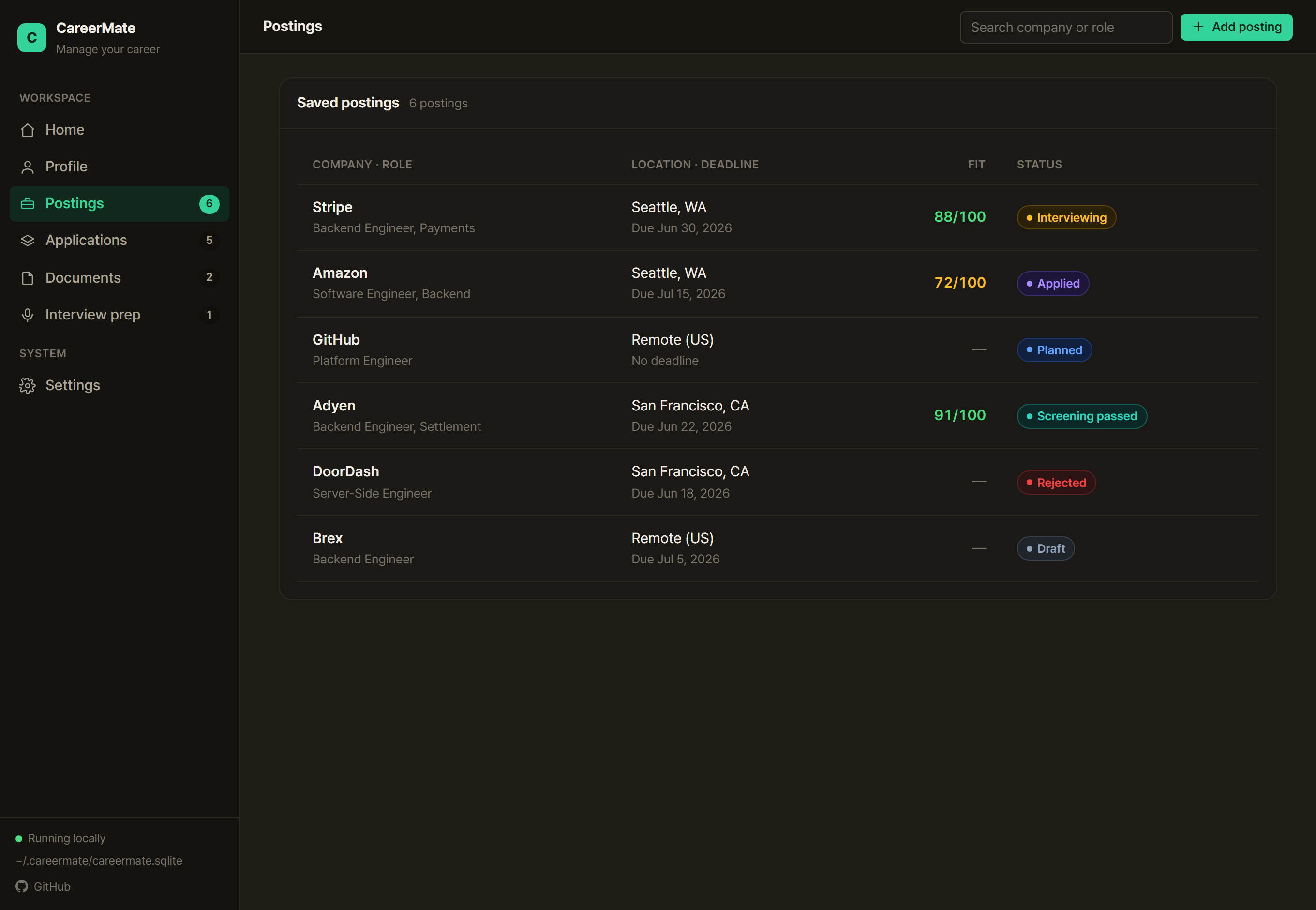
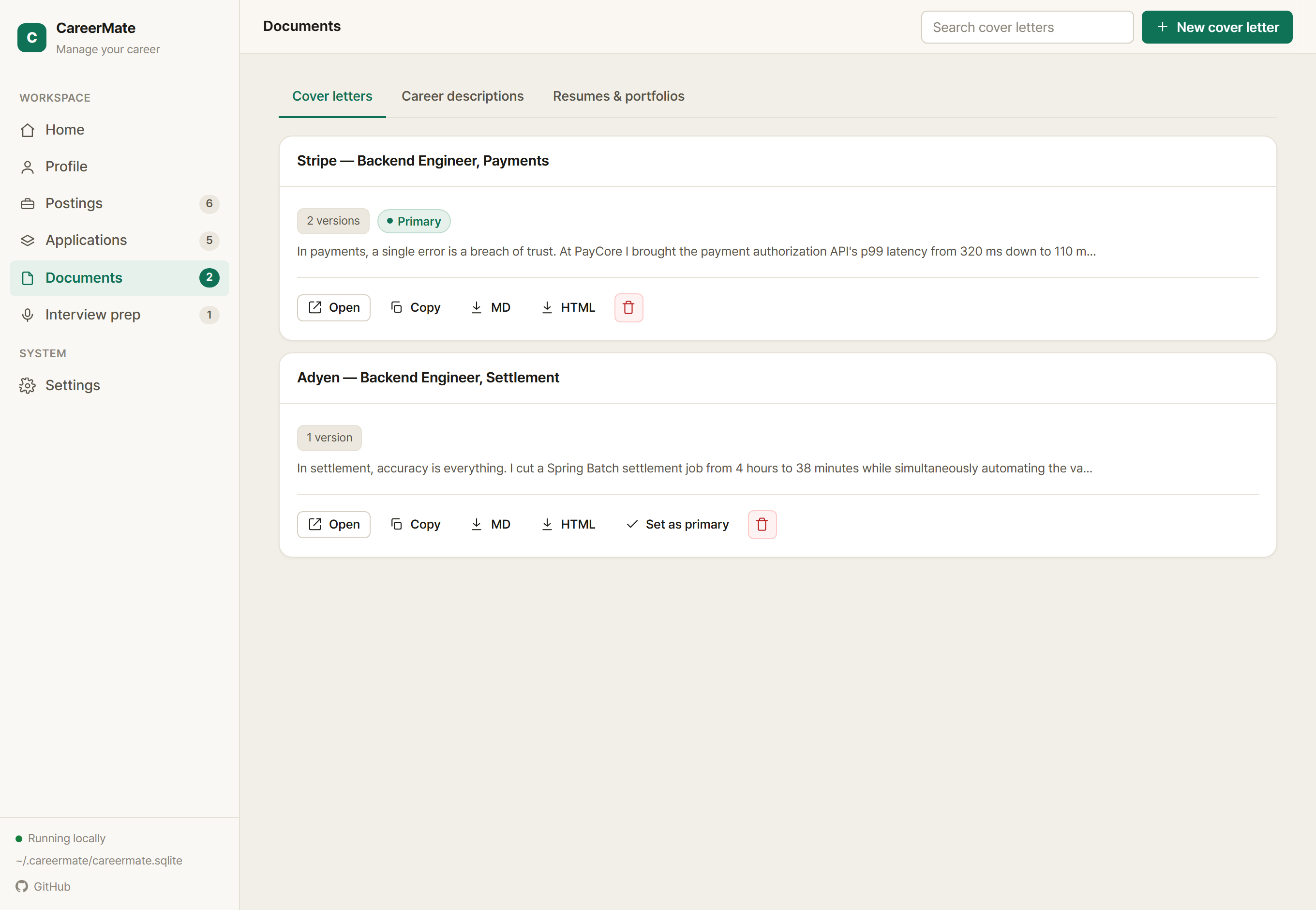
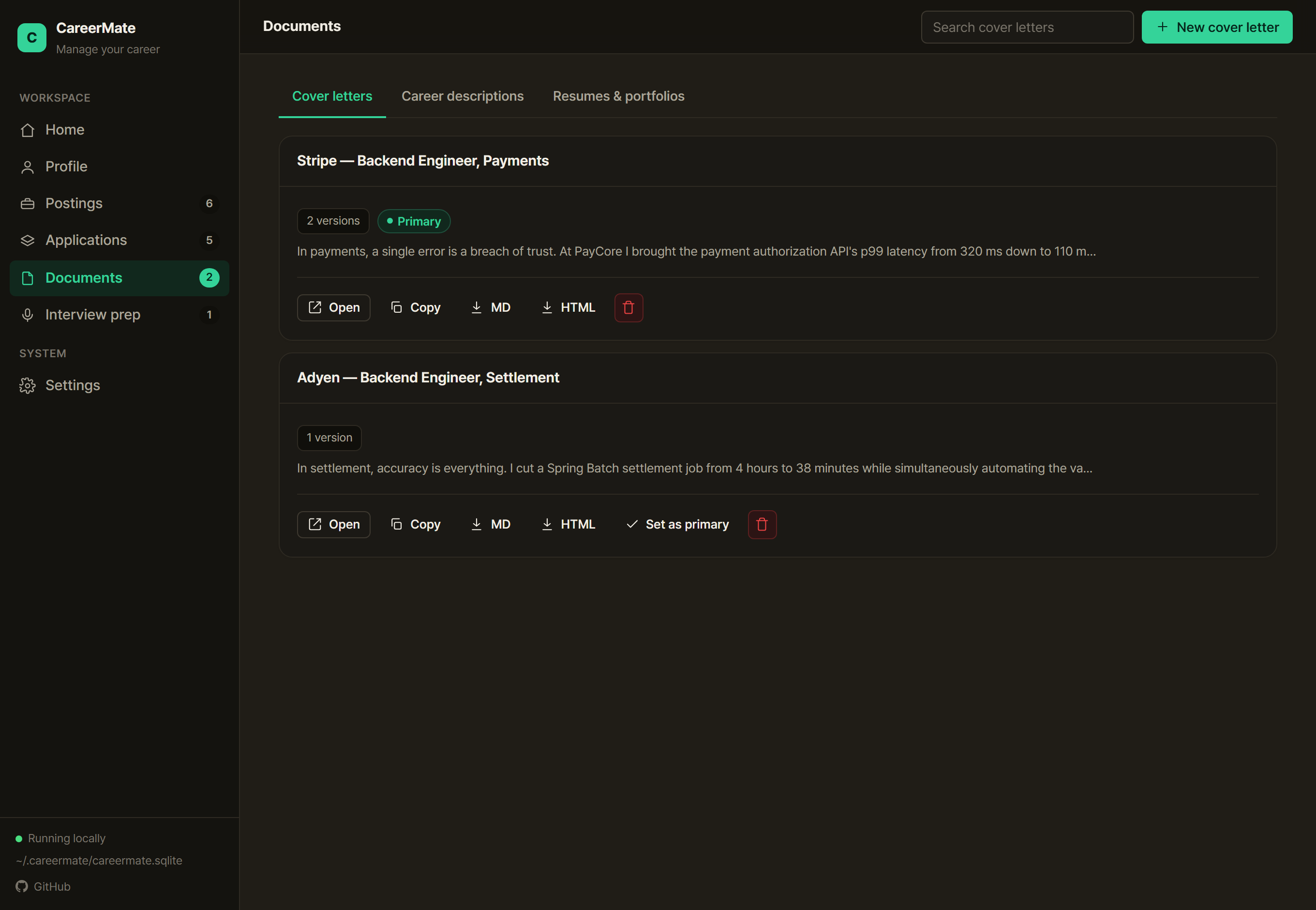
Open your app, paste the line below, and confirm it connected.
Choose an AI that can work on your computer — Claude Desktop/Claude Code or Codex. It connects to the paid AI you already use (Claude, ChatGPT, etc.); CareerMate itself is free.
Find the path that fits meDrop the line below into your AI's chat and it reads the install guide and connects.
Reopen the app and say “check whether CareerMate is connected.”
Paste this to your AI
Read https://careermate.life/llms-install.txt and follow it to install and connect CareerMate in this folder. When it's done, tell me how to restart the app, the dashboard address (http://127.0.0.1:4319), and how to register my resume.
Terminal command
npx -y careermate init
Web and mobile AI apps can't reach local tools on your computer, so they aren't supported.
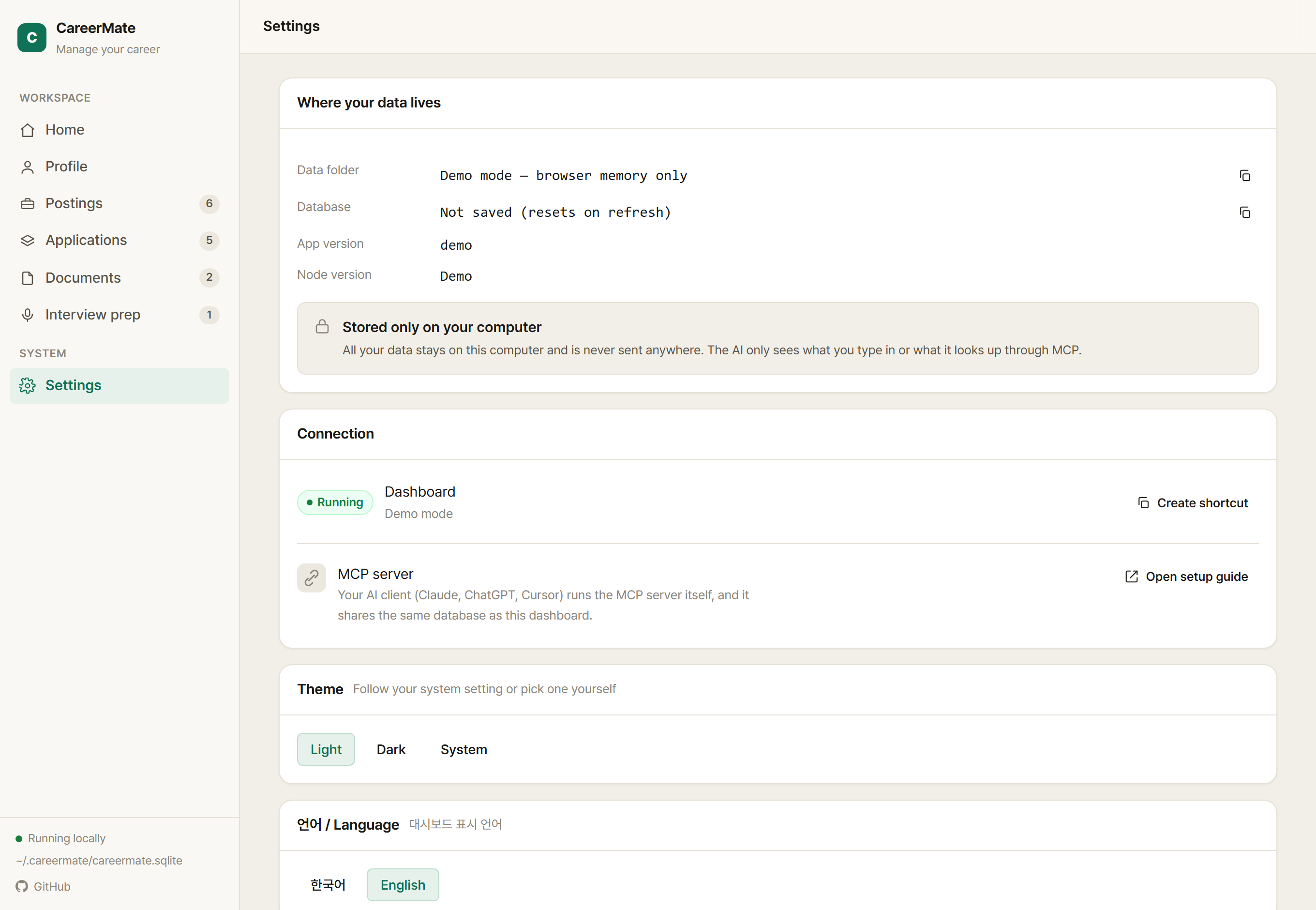
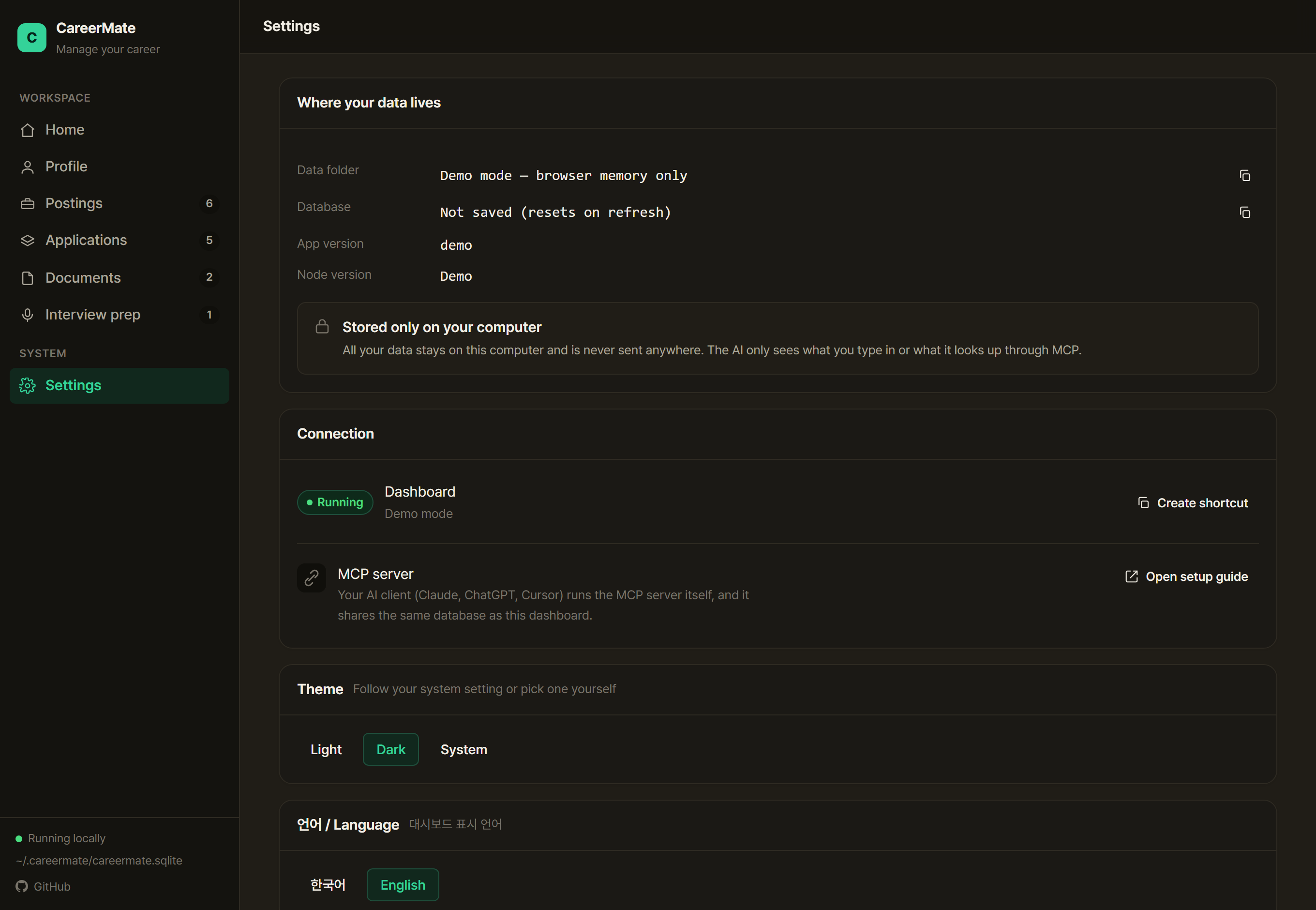
The dashboard server binds only to 127.0.0.1 (this computer), so it can't be reached from outside.
The only thing the MCP server sends out is an optional update check (you can turn it off) — your career data is never transmitted. The analysis and writing are done by the AI you chose yourself.
~/.careermate/careermate.sqlite~/.careermate/exports